Four promises that turn PlanMeasure from a sketching app into an honest measurement tool.
PlanMeasure turns any image into a measurable map. Upload a photo of a floor plan, import a PDF site plan or grab a satellite snapshot from Apple Maps – calibrate the scale once, and every subsequent measurement is metrically correct.
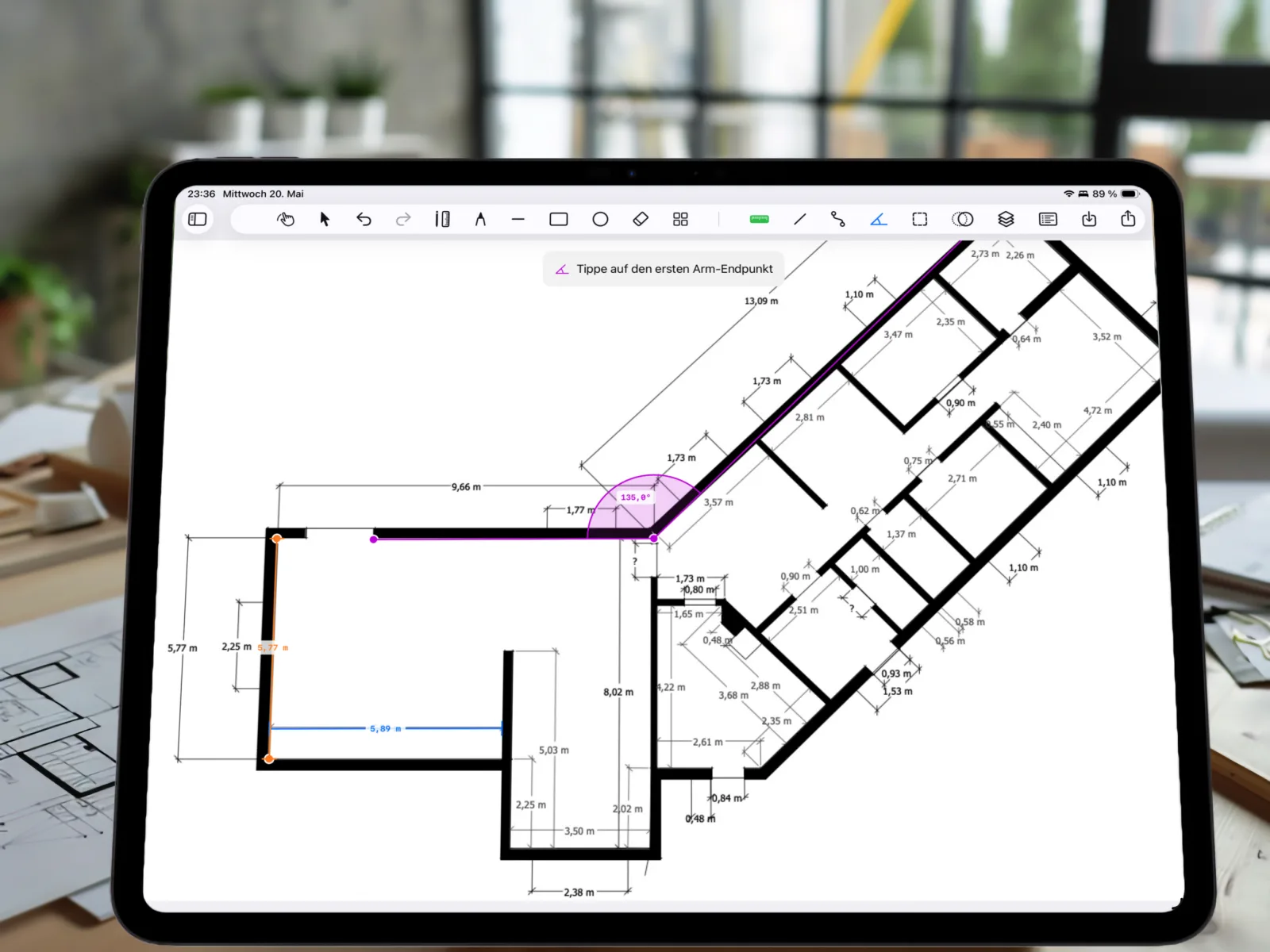
The ruler captures distances, the path tool sums any number of points into a total length. The protractor measures slopes or corner angles to a tenth of a degree. Polygons turn into areas in m² – ideal for roofs, plots or rooms.
Sketch freehand with Apple Pencil or your finger, drag lines, rectangles and rotatable markers. Place symbols for furniture, trees, vehicles or fixtures. Organise everything in up to 10 layers you can toggle any time.
All plans and measurements stay on your iPad – no account, no tracking, no forced cloud. Optional iCloud sync if you use multiple devices.
Eight tools in one app – calibrate, measure, sketch, document.
Drop two points, enter the real-world distance – PlanMeasure converts every length and area exactly from there.
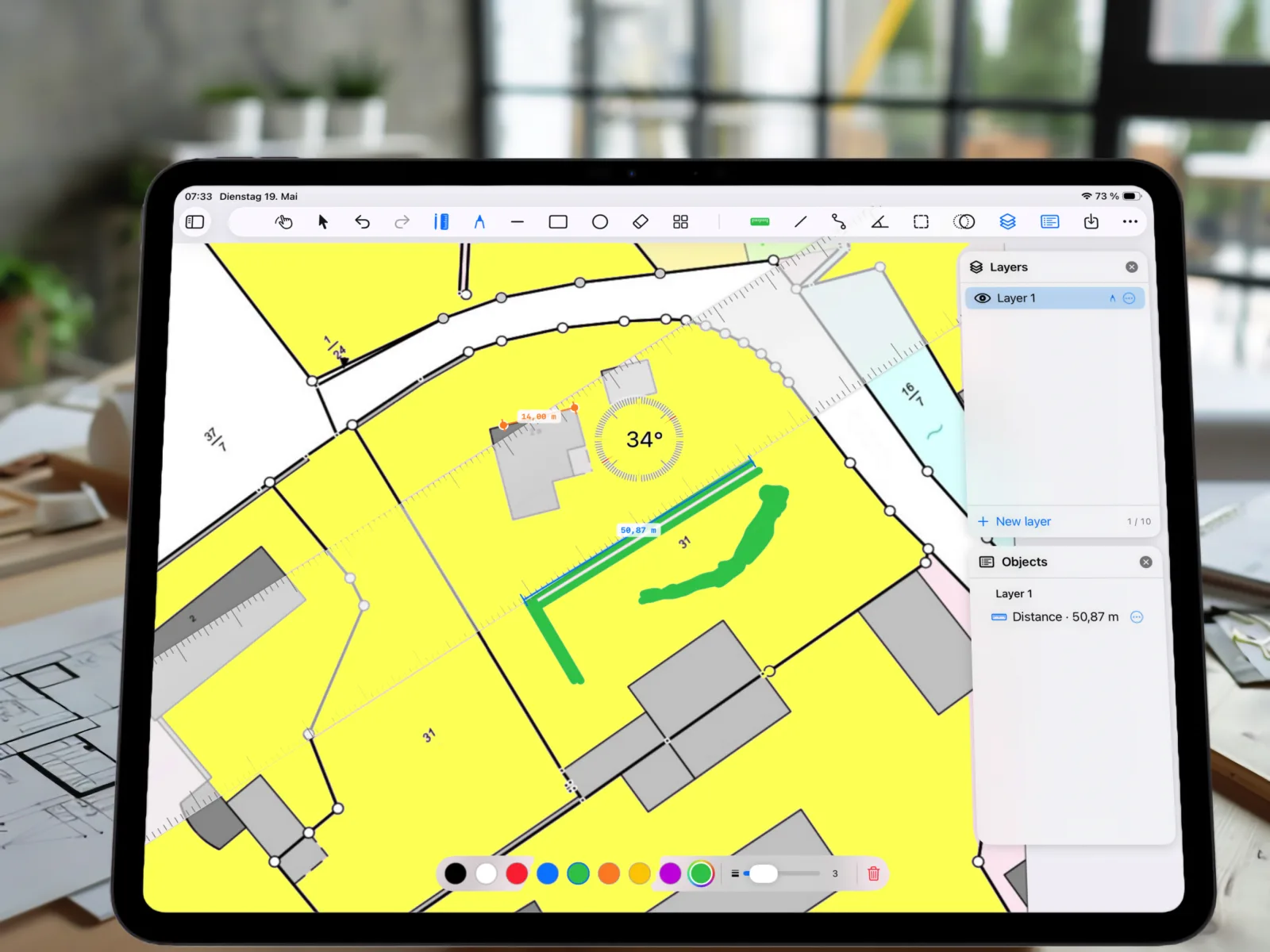
Point-to-point ruler or multi-segment polylines with running total – ideal for irregular paths.
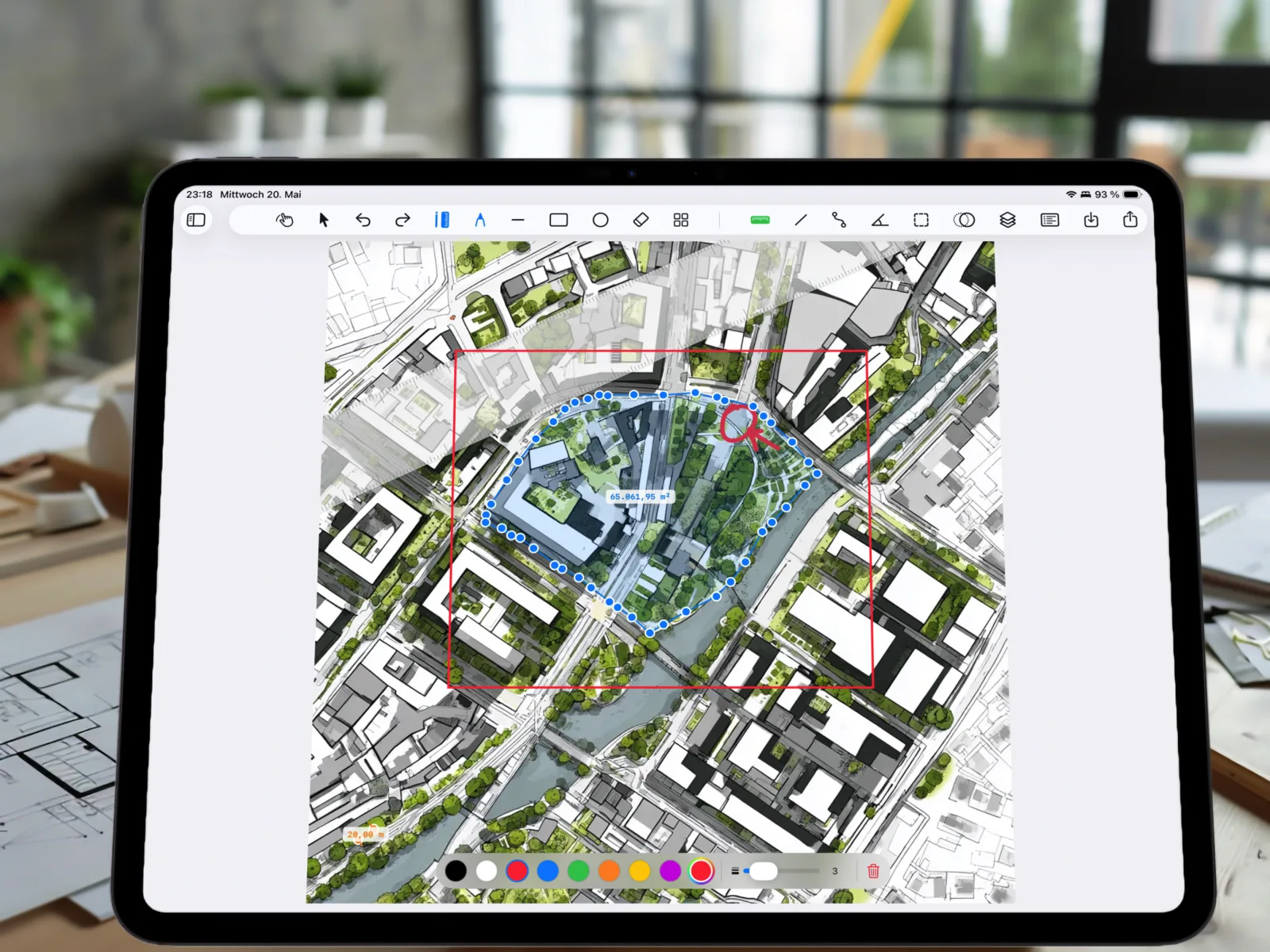
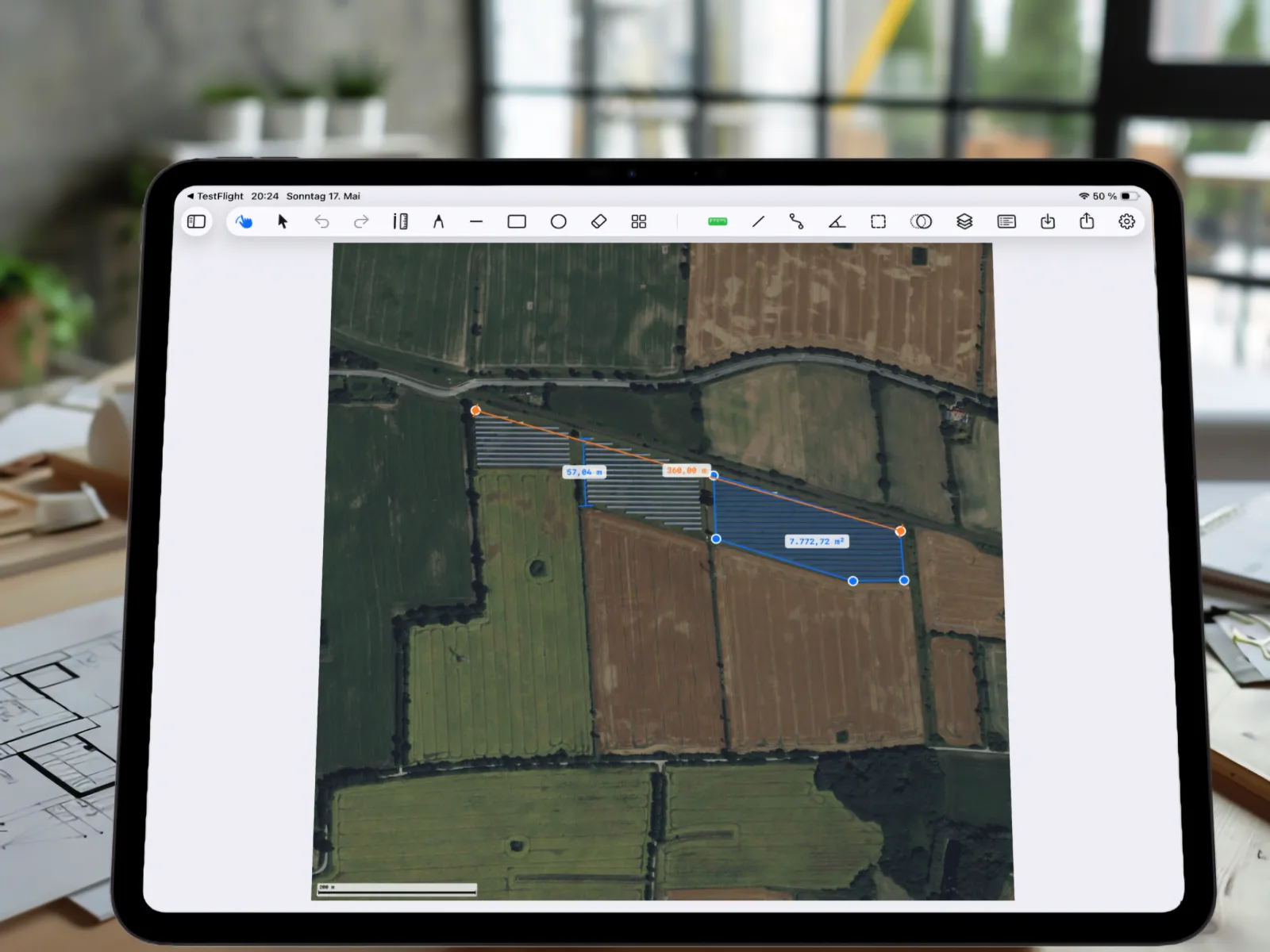
Draw a polygon, get the area – exact computation via the shoelace formula with arbitrarily many vertices.
Three points define an angle, including arc visualisation – plus a free-rotating protractor overlay.
Draw directly on the plan with Apple Pencil – seven colours, variable stroke widths.
Around 90 symbols for furniture, trees, vehicles, fixtures – rotatable, scalable, groupable.
Up to 10 layers per project – toggle measurements on/off, manage every object individually.
All annotations on the plan – export as PDF or PNG with footer and scale bar.
Three sources, one workflow: import, calibrate, measure.
Pull in photos from your library, PDF plans from Files – such as cadastral maps or architectural drawings – or grab a fresh satellite snapshot from Apple Maps. With address and zip-code search.
Place two reference points, enter the real distance – PlanMeasure converts every pixel of your plan into metres, centimetres, feet or inches. Even satellite imagery becomes a metrically correct map.
Use the ruler, angle and area tools. Annotate everything with PencilKit, organise measurements into layers – and export a PDF with scale bar to colleagues or clients.
Four professions, one tool.
Measure floor plans on site, annotate PDF plans with dimensions, capture as-built data digitally.
Read plot sizes from aerial views, plan paths and beds, derive material requirements straight from the app.
Measure fields and plots from aerial views, plan access roads, read hedge and fence lengths directly from the map.
Get your renovation plan precise – measure rooms, carports, beds without hiring an architect.
All measurement tools are included in the free tier. Pro unlocks unlimited projects, map import, all layers, the full symbol library and PDF/PNG export.
For trying it out
For everyday work
Subscription renews automatically. Cancel anytime in iPhone/iPad settings.